How to Use Pattern PNG in Creative Design Work
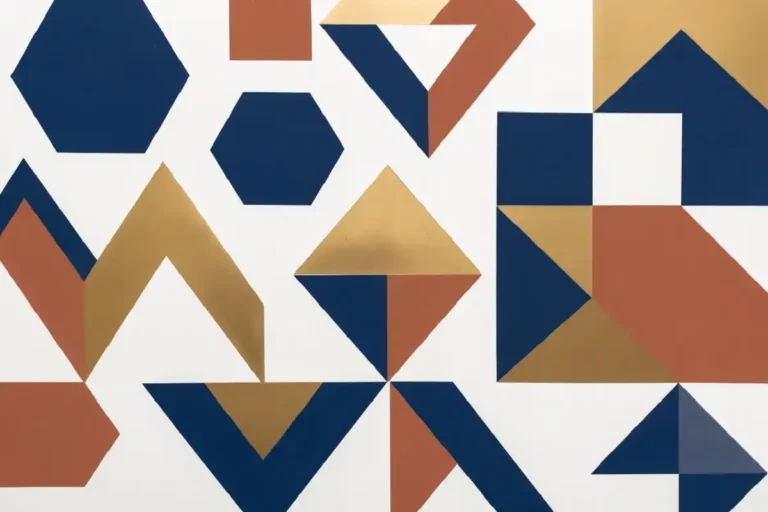
Pattern PNG files are a flexible resource for designers, artists, crafters, and content creators. Because they can contain detailed artwork with transparent backgrounds, they can be placed over colors, photographs, illustrations, and other design elements without creating an unwanted background box.
From digital artwork and websites to invitations, crafts, home décor, and traditional Indian-inspired designs, pattern PNGs can add texture, repetition, and visual personality to a project. Understanding how these files work makes it easier to choose the right pattern and use it effectively.
What Is a Pattern PNG File?
A pattern PNG is a Portable Network Graphics file containing a decorative motif, repeating design, texture, or collection of visual elements. The biggest advantage of PNG for this type of artwork is its ability to preserve transparent areas.
A transparent pattern can be placed over another background without introducing a solid white rectangle behind the artwork. This makes PNG particularly useful for overlays, decorative elements, digital illustrations, web graphics, and printable creative projects.
Transparent areas allow the background underneath to remain visible while the pattern itself stays on top. This gives designers much more freedom when combining multiple visual layers.
PNG also uses lossless compression, which means saving the file does not intentionally discard visual information in the same way that lossy compression can. This is useful when a pattern contains crisp lines, detailed motifs, or intricate decorative elements.
Types of Pattern PNG Designs
Pattern PNGs are available in many visual styles. Choosing the right type depends on the mood, subject, and final application of your project.
Geometric Patterns
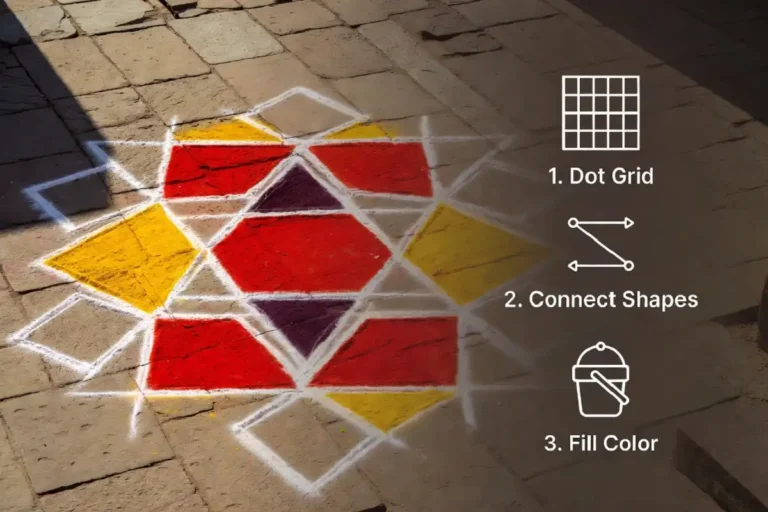
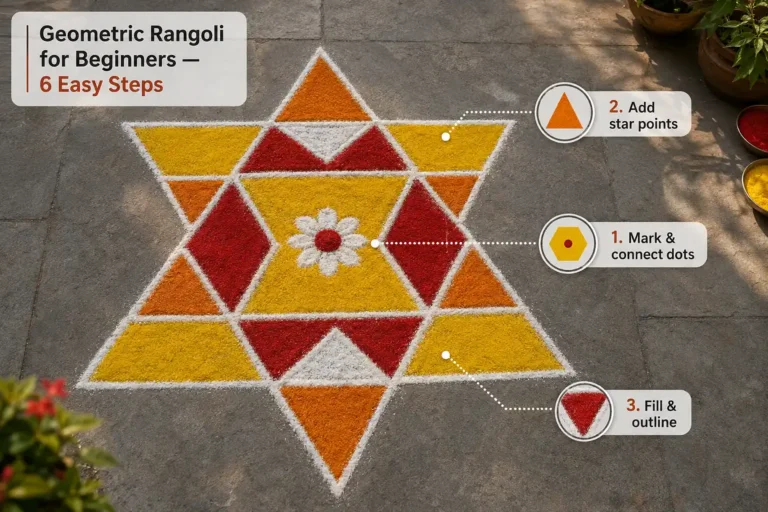
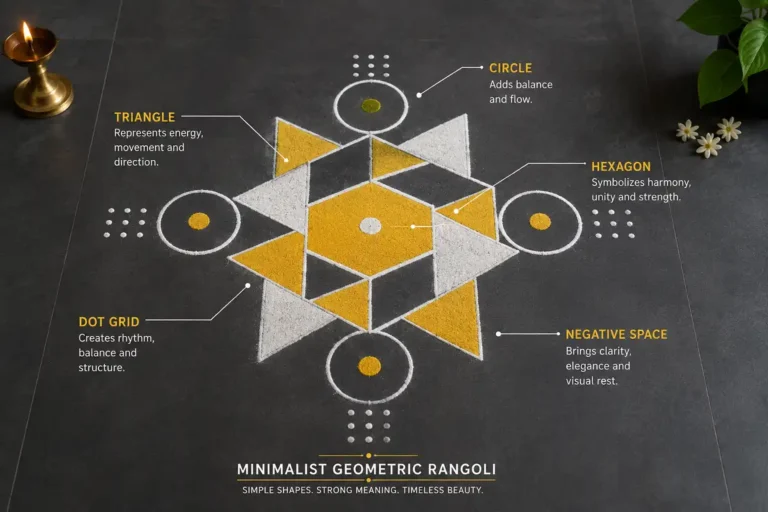
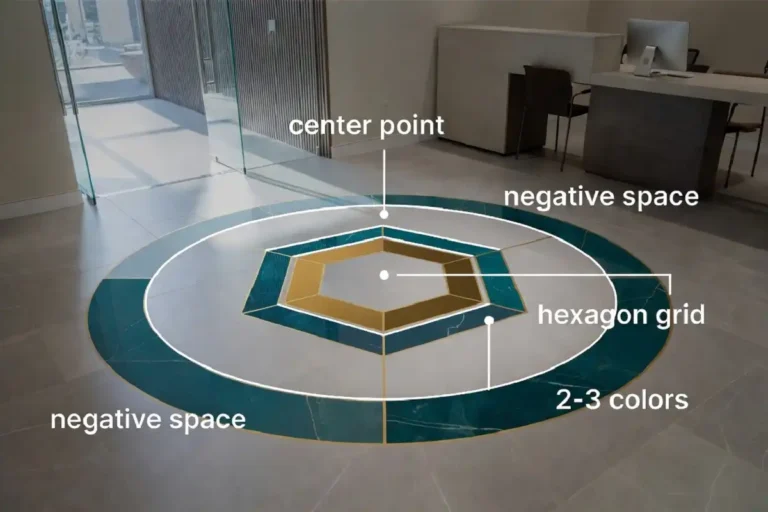
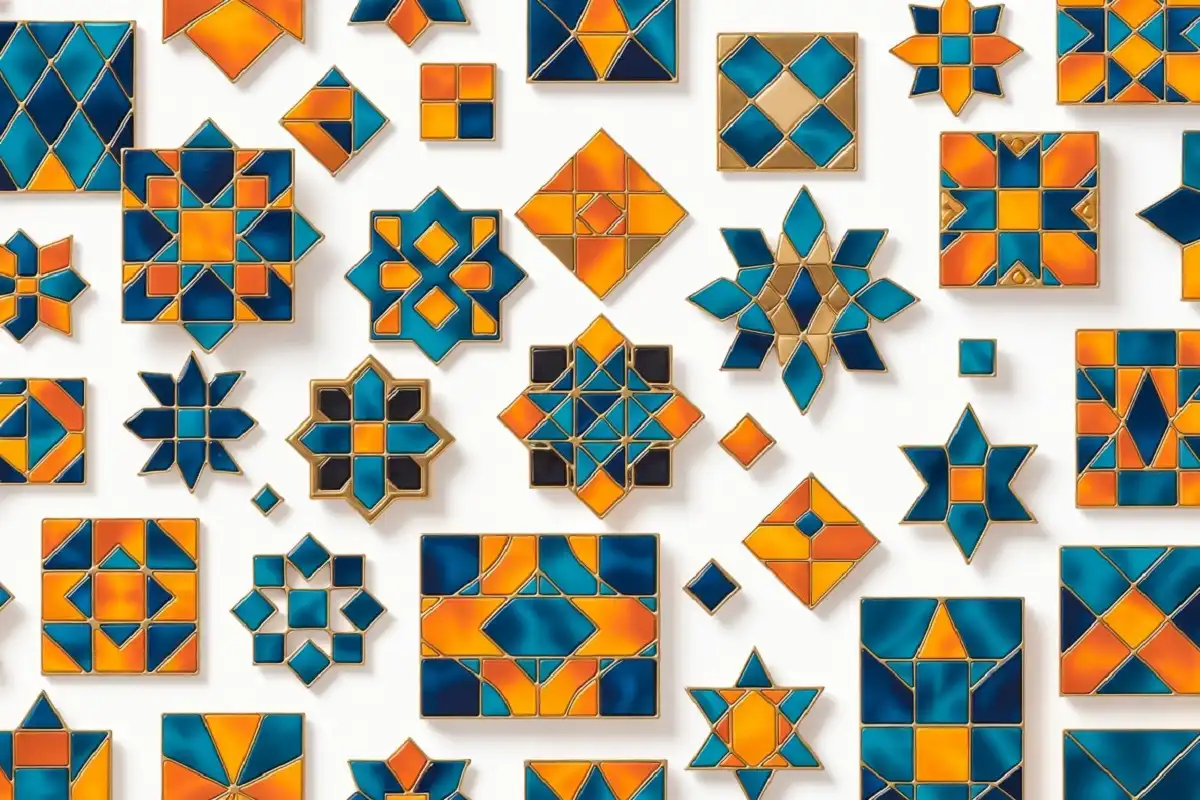
Triangles, diamonds, hexagons, chevrons, grids, and other structured shapes create a clean and modern appearance. They work well for branding, interiors, backgrounds, crafts, and decorative compositions.
Explore geometric design ideas →Floral Patterns
Floral PNGs use flowers, leaves, vines, petals, and botanical details. Their softer appearance makes them suitable for wedding stationery, greeting cards, fabric designs, packaging, and lifestyle graphics.
Abstract Patterns
Abstract designs use freeform shapes, textures, brush-like marks, and non-representational elements. They are useful when the goal is to create atmosphere, movement, or visual energy rather than a recognizable subject.
Traditional & Cultural Patterns
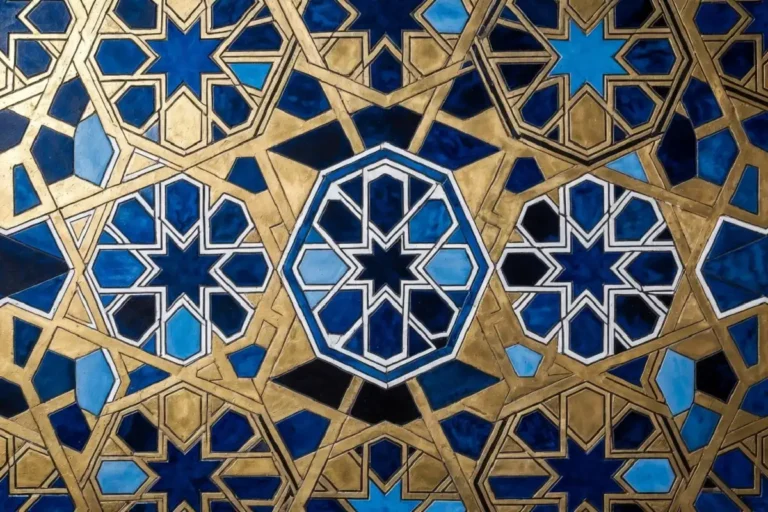
Cultural motifs can include rangoli-inspired designs, ornamental tile patterns, traditional textile elements, and other heritage-based artwork. These patterns can bring cultural character to modern creative projects.
Seamless Patterns
A seamless PNG is created so that its edges connect naturally when the image is repeated. This makes it especially useful for wallpapers, web backgrounds, fabric, packaging, and large decorative surfaces.
Why PNG Works So Well for Pattern Design
Different image formats have different strengths. PNG is particularly useful when transparency, crisp details, and repeated editing are important.
Transparency
Transparent backgrounds allow patterns to sit naturally over photos, illustrations, colors, and textures.
Lossless Quality
PNG uses lossless compression, helping preserve fine visual details when the file is saved.
Rich Color
PNG supports detailed color information, making it suitable for colorful motifs and decorative artwork.
Wide Compatibility
Pattern PNG files can be used across many popular design and editing environments, including Photoshop, Illustrator, Canva, GIMP, Figma, and Inkscape.
For web backgrounds, a suitable pattern PNG can also be repeated across a larger area, allowing a small artwork file to create a much larger visual surface.
Pattern PNG in Traditional and Cultural Art
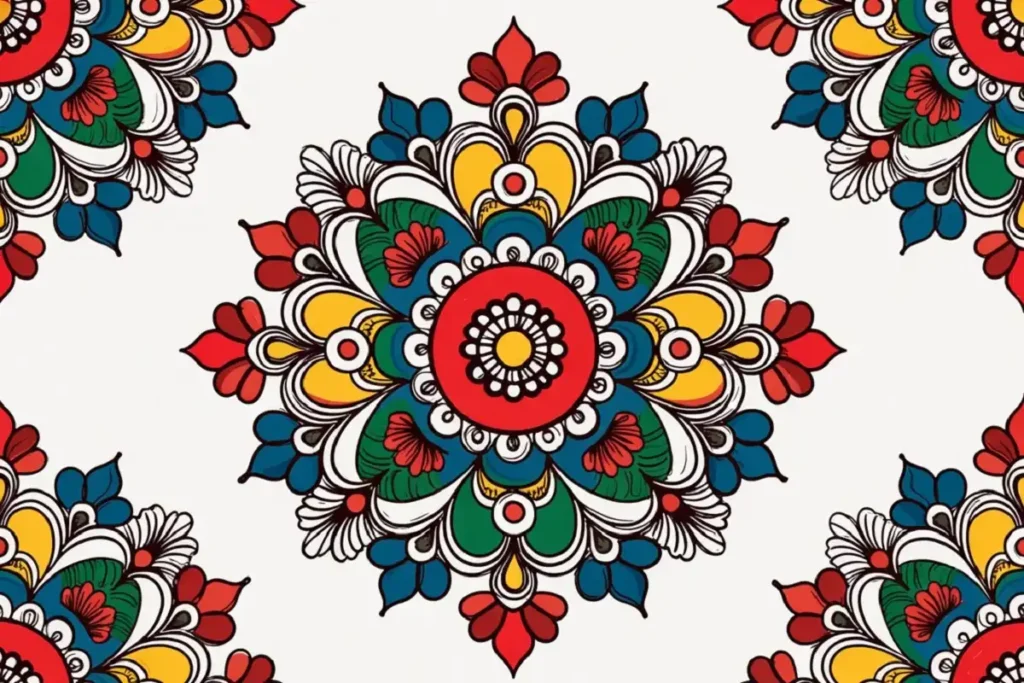
Traditional decorative art can translate beautifully into digital pattern formats. Rangoli is a particularly strong example because its symmetry, geometric structure, repeated motifs, and vibrant colors naturally lend themselves to digital pattern creation.
A traditional motif can be converted into a transparent PNG and then used on invitations, festive banners, posters, social graphics, packaging, stationery, or printed decorations.
This approach does more than simply decorate a project. It can also provide a bridge between traditional visual culture and contemporary design workflows. For more rangoli inspiration, explore these unique rangoli design ideas for different occasions .
Floral ornament is another strong example. Traditional floral motifs from different regions can be adapted into repeating digital assets while retaining their decorative character.
For more ideas around floral ornament and pattern development, see this guide to ornamental floral art, patterns, and color ideas .
How to Use Pattern PNG in Creative Projects

Use It as a Background Layer
Place a pattern underneath your main content to introduce subtle texture without distracting from headlines, photographs, or important information. This works particularly well for websites, posters, presentations, and printed flyers.
Use It as an Overlay
Place the transparent PNG above a photograph, illustration, or solid color. Reducing opacity can create a subtle textured effect while preserving the main visual underneath.
Use It in Print Design
Pattern PNGs can add decoration to greeting cards, gift packaging, wrapping paper, stationery, invitations, and other print projects.
Use It in Digital Illustration
A pattern can be placed inside a shape or illustration as a fill texture. This can add visual depth and detail without requiring every small element to be drawn manually.
Use It for Craft Projects
Printable pattern PNGs can be useful for scrapbooking, paper crafts, decoupage, decorative templates, and other handmade projects.
How to Choose a High-Quality Pattern PNG
A pattern can look excellent in a preview but still be unsuitable for your final project. Before using a file, check its resolution, transparency, repeatability, color information, and overall file quality.
Check the Resolution
For professional print projects, look for an appropriately high-resolution asset. A low-resolution pattern can become soft or pixelated when enlarged.
Confirm True Transparency
Make sure the background is genuinely transparent rather than a white or colored layer pretending to be transparent.
Test Seamless Repetition
If you plan to tile the pattern, place several copies beside one another and check the edges for visible gaps or interruptions.
Consider File Size
An unusually small file may indicate aggressive optimization or insufficient resolution. The file size should make sense for the complexity and dimensions of the artwork.
Check Color Requirements
Screen projects generally use RGB-based workflows. For print, confirm the color requirements of your printer or production process before exporting.
Professional design resources can provide additional guidance on pattern creation, editing, export settings, and workflow techniques. Explore Adobe’s design resources →
How to Create Your Own Pattern PNG
Creating your own pattern gives you control over the motif, spacing, colors, scale, and overall visual style. You can begin with something extremely simple and develop it into a complete repeating design.
Choose a Motif
Start with a shape or object that can be repeated, such as a leaf, flower, diamond, dot group, or geometric symbol.
Create the Artwork
Draw or place the motif in a design application such as Illustrator, Figma, Canva, or another suitable graphics tool.
Build the Repeat
Duplicate the motif and arrange the copies into a grid, offset layout, brick arrangement, or another repeating structure.
Remove the Background
Keep the background layer transparent so the finished pattern can be placed over different surfaces and colors.
Export as PNG
Export the artwork in PNG format and make sure the transparency option is enabled.
Test the Tile
Repeat the exported file several times and inspect the joins. Adjust the artwork if you notice visible breaks, unexpected spacing, or misaligned edges.
A single geometric motif can become surprisingly interesting when repeated at the right scale. Simple shapes are often easier to align and turn into seamless patterns.
Ideas for Using Pattern PNGs More Effectively
Use a subtle recurring motif across social graphics, packaging, stationery, and promotional materials to create visual consistency.
Overlay patterns on photos or colored backgrounds to create a recognizable visual style without covering the main message.
Floral, ornamental, and cultural patterns can frame text and add decorative detail to wedding, festival, and celebration invitations.
A restrained repeating texture can add depth to a webpage background while keeping the primary content easy to read.
Printable patterns can be adapted for paper crafts, scrapbooking, handmade cards, decorative boxes, and creative templates.
Use patterns as fills, borders, textures, or secondary decorative elements inside illustrations and compositions.
Choose the Right Pattern for the Job
The strongest results usually come from matching the pattern style to the purpose of the design. Use geometric patterns for structure, floral motifs for softness, cultural patterns for heritage-inspired projects, and seamless designs when you need a repeatable surface.
Let the Pattern Support the Design
Pattern PNG files are useful because they give you a simple way to introduce repetition, texture, color, and decorative detail into almost any creative workflow. Their transparent backgrounds make them particularly flexible because the same asset can be placed over many different backgrounds and compositions.
You do not need a complicated pattern to create something effective. A carefully designed geometric shape, floral motif, or traditional rangoli-inspired element can become a strong visual asset when its scale, spacing, and color are handled thoughtfully.
Whether you are creating digital artwork, print materials, crafts, website graphics, or cultural designs, start with a clear purpose and choose the pattern accordingly. Test how it looks at different sizes, keep the main content readable, and let the pattern enhance rather than overpower the overall design.
Frequently Asked Questions
01 What does PNG stand for in pattern PNG?
PNG stands for Portable Network Graphics. It is an image format known for lossless compression and support for transparency, which makes it useful for decorative graphics and pattern assets.
02 Can I use a pattern PNG on a colored background?
Yes. If the PNG has a genuinely transparent background, you can place it over a solid color, gradient, photograph, illustration, or another design element. The transparent areas will reveal whatever is underneath.
03 What is the difference between a seamless pattern PNG and a regular pattern PNG?
A seamless pattern PNG is specifically constructed so its edges connect when the image is repeated. A regular pattern PNG may contain a single decorative composition that was not designed to tile continuously.
04 Is a pattern PNG better than SVG for design work?
Neither format is universally better. SVG is a vector format and is ideal when artwork needs to scale to different sizes without losing sharpness. PNG is often more convenient for detailed, multicolored, textured, or raster-based artwork. The best choice depends on the project.
05 Where can I find free high-quality pattern PNG files?
Pattern PNGs can be found across design communities, open-license repositories, and creative asset platforms. Always check the individual license before using an asset commercially, especially if the file will be used for products, advertising, or client work.
06 How can I check whether a PNG background is truly transparent?
Open the PNG in an application that displays transparency as a gray-and-white checkerboard. If you see the checkerboard through the supposed background area, those pixels are transparent. A solid white or colored background means the transparency may not have been saved correctly.